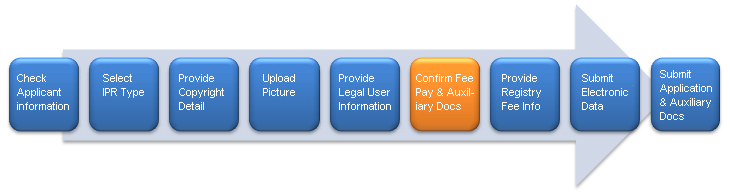
Step 6: Confirm Registration Fee Pay & Auxiliary Docs
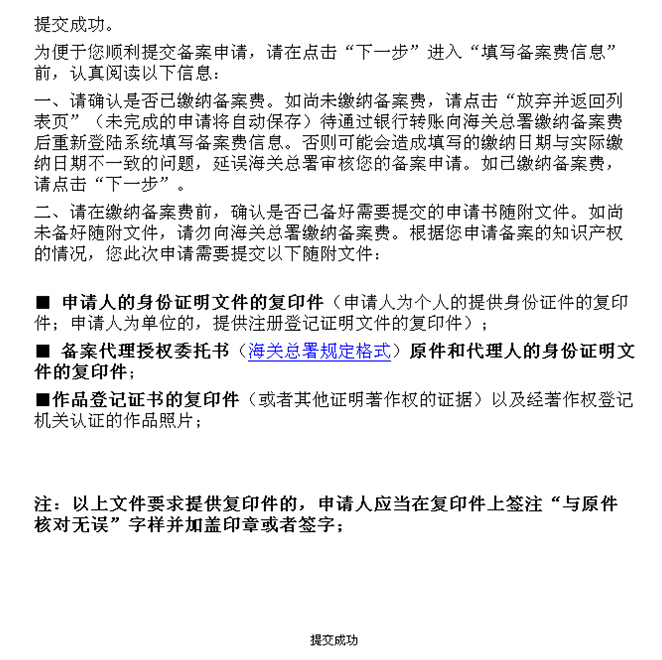
Confirm whether you have paid the registration fees:
- · If yes, you may click "Next" to enter "Fill in with the information about registration fees";
- · If no, click "Quit and Return to the List Page" (the system will save automatically the data entered).
In order for the applicant to know whether his application will get approved before paying the registration fees, the system will display on this page the list of auxiliary documents required by the registration. If the applicant cannot provide all the auxiliary documents required, he shall click "Quit and Return to the List Page" to quit the application for registration and need not pay registration fees. The applicant may pay the registration fees after preparing all the documents required and sign in the system to resume entering the application data.